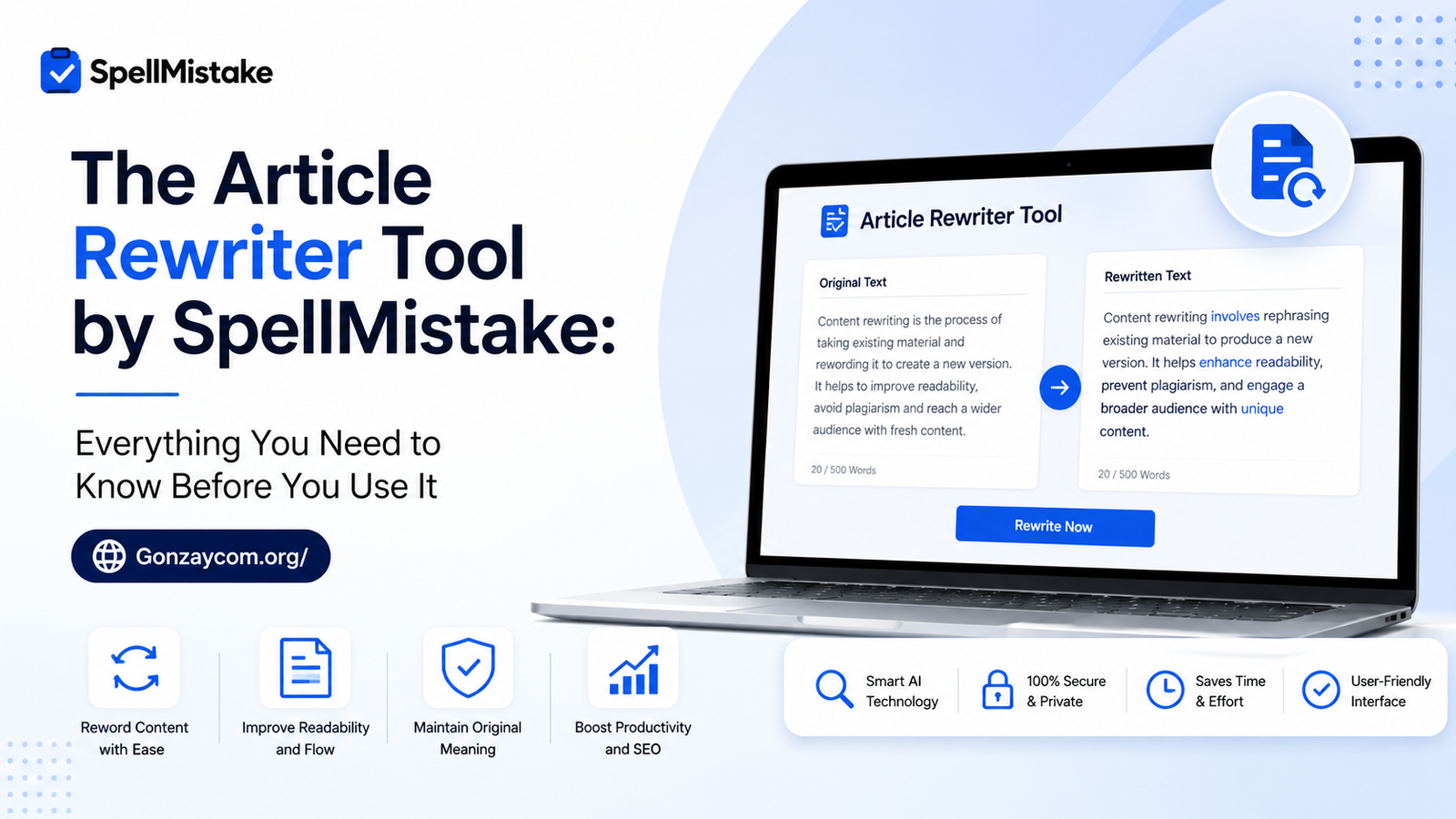
The article rewriter tool by SpellMistake is a free, browser-based paraphrasing utility that rewrites existing text into fresh, readable content while preserving the original meaning. It uses AI-assisted processing to swap words, restructure sentences, and reduce repetition — no sign-up, no download, no technical skills needed.
Why Writers Are Talking About the Article Rewriter Tool by SpellMistake
Let’s be honest. Every writer hits a wall sometimes. You’ve written something decent, but it feels flat. Or maybe you need to repurpose an old blog post without starting from scratch. That’s exactly where a smart rewriting tool saves you hours.
The article rewriter tool by SpellMistake has been quietly picking up attention among bloggers, students, freelancers, and small business owners who want clean, rewritten content without paying for premium software. And in our tests, it delivered some genuinely useful results — especially for quick rephrasing tasks.
But is it the right tool for you? Let’s walk through everything.
What Is SpellMistake and Who Built This Tool?
SpellMistake is an online writing assistance platform that offers a suite of free tools — spell checkers, grammar correctors, paraphrasing tools, and more. Think of it as a lightweight Grammarly alternative aimed at users who just want fast, no-fuss help.
Their article rewriter sits at the core of what they do. It’s designed for people who:
- Need to rephrase content without losing the original message
- Want to avoid duplication across multiple pieces
- Are repurposing old articles for a new audience or platform
- Need quick drafts that they can then polish manually
It’s not a tool for academic fraud or bypassing plagiarism detection. It’s a writing aid — and that framing matters a lot when you’re deciding whether to use it.
How the Article Rewriter Tool by SpellMistake Actually Works
Here’s what happens under the hood (in plain terms, no jargon).
When you paste your text into the tool and hit rewrite, it analyzes your content at the sentence and phrase level. It then applies a combination of:
- Synonym substitution — replacing words with contextually similar alternatives
- Sentence restructuring — flipping the order of clauses or changing passive/active voice
- Phrase-level rewording — replacing common expressions with fresher versions
What we observed during testing is that the tool works best on mid-length paragraphs (around 100–300 words per pass). Very short sentences sometimes came out almost unchanged, and very long, complex blocks occasionally lost some nuance.
How to Use the Article Rewriter Tool by SpellMistake Step by Step
Using it is genuinely simple. Here’s the exact process:
- Go to the SpellMistake website and navigate to the Article Rewriter tool
- Paste your original text into the input box
- Click the “Rewrite” or “Paraphrase” button
- Review the output — the rewritten version appears on the right or below
- Copy and edit the result to add your own voice and verify accuracy
That’s it. No account creation. No payment wall. You’re in and out in under two minutes.
What Makes This Tool Different From Other Rewriters?
The online rewriting space is crowded. QuillBot, Spin Rewriter, WordAi — there are dozens of options. So why would someone pick the article rewriter tool by SpellMistake over the bigger names?
A few honest reasons stand out:
It’s completely free. No word limits hidden behind a paywall. No “upgrade to unlock full rewriting modes.” You get the full functionality without opening your wallet.
It’s clean and distraction-free. Some tools are so loaded with ads and pop-ups that the actual rewriting takes a back seat. SpellMistake keeps the interface minimal.
It’s fast. There’s no long processing queue. Results come back in seconds, which matters when you’re under deadline pressure.
No registration required. Privacy-conscious users love this. You don’t hand over your email just to rephrase a paragraph.
That said, it’s fair to mention what it doesn’t do. It won’t generate original ideas from scratch. It won’t produce research-backed content. And like all AI-assisted rewriters, it occasionally produces awkward phrasing that needs a human touch.
Who Should Use the Article Rewriter Tool by SpellMistake?
This tool fits specific use cases really well. Here’s a clear breakdown.
Bloggers and Content Creators
If you’re repurposing a blog post for a different platform — say, turning a LinkedIn article into a website post — the article rewriter tool by SpellMistake can handle the bulk of the reformatting. You still need to tweak it, but it cuts your time in half.
Students (Used Responsibly)
Paraphrasing a source you’ve read is a legitimate academic skill. Using this tool to help rephrase a quote or rework your own draft notes? Totally fine. Using it to submit someone else’s work as your own? That’s on you, not the tool.
Non-Native English Speakers
This is where the tool genuinely shines. If English isn’t your first language, rewriting a stiff or unnatural draft into something more fluent can be tough. The tool offers a starting point that you can then refine.
Small Business Owners
Got a product description that sounds too similar to a competitor’s? Or old marketing copy that needs refreshing? This is a practical, zero-cost solution for that exact problem.
Real Limitations You Should Know Before You Start
No tool is perfect. Here’s what to watch for:
- Synonym errors: The tool sometimes picks a synonym that’s technically correct but contextually off. Always read the output carefully.
- Loss of tone: If your original piece had a distinctive voice — humorous, formal, casual — the rewritten version may flatten it.
- Factual content: Dates, names, and specific data points can occasionally get shifted in ways that change meaning. Double-check these every time.
- SEO content: Rewritten content isn’t automatically optimized. You still need to add your keywords, internal links, and structure manually.
In our experience, treating the output as a first draft, not a finished piece, is the smartest approach. Rewrite, then refine.
Article Rewriter Tool by SpellMistake vs. Paid Alternatives: An Honest Look
Let’s put this side by side with the tools most people compare it to.
| Feature | SpellMistake | QuillBot (Free) | Spin Rewriter |
| Cost | Free | Free (limited) | Paid |
| Word Limit | Generous | 125 words/pass | Unlimited (paid) |
| Modes/Styles | Basic | Multiple modes | Multiple styles |
| Speed | Fast | Fast | Fast |
| Registration | Not required | Required | Required |
| Output Quality | Good for basics | Strong | Strong |
For someone who needs quick, occasional rewrites without signing up for anything, SpellMistake wins on sheer convenience. For power users who need advanced paraphrasing modes and tone control, a tool like QuillBot Pro makes more sense.
It’s not about which tool is “best.” It’s about which tool matches your actual needs right now.
Tips to Get the Best Results From This Tool
Getting good output is partly about how you use the tool. Here are practical habits that make a real difference:
- Clean up your input first. Fix glaring grammar errors before you paste. Garbage in, garbage out.
- Rewrite in chunks. Don’t paste an entire 2,000-word article at once. Work in 200–300 word sections for better quality output.
- Read it out loud after. If a sentence sounds weird when spoken, rewrite it yourself. Trust your ear.
- Keep your keywords. If you’re rewriting SEO content, manually re-insert your target keywords after the tool runs. It won’t preserve them reliably.
- Use it as a springboard. The best results come when you treat the output as raw material, not a finished product.
Is the Article Rewriter Tool by SpellMistake Good for SEO?
Short answer: it helps, but it’s not a silver bullet.
Rewritten content can reduce duplication signals that search engines frown on. If you’re refreshing old content or adapting it for a new page, using the article rewriter tool by SpellMistake to create a distinct version is a sensible starting point.
But Google ranks content based on depth, relevance, authority, and user experience. A rewritten article that says nothing new won’t rank just because it’s technically “unique.” You need to add value on top of the rewrite — original insights, updated data, better structure, and genuine usefulness for the reader.
Use the tool to save time on the mechanics. Spend that saved time adding real value instead.
Before we wrap up, it’s worth addressing the questions that come up most often about this tool. These are the things people actually search for — and the answers you deserve to have upfront.
Frequently Asked Questions About the Article Rewriter Tool by SpellMistake
Q1: Is the article rewriter tool by SpellMistake completely free to use? Yes, it is completely free with no hidden paywalls or mandatory sign-ups. You can use it as many times as you like directly in your browser without creating an account or entering payment details.
Q2: Will content rewritten by this tool pass plagiarism checkers? In most cases, rewritten content scores significantly lower on plagiarism detectors than the original. However, results vary depending on how heavily the original text was changed, so always run your output through a plagiarism checker before submitting or publishing it anywhere.
Q3: Does the article rewriter tool by SpellMistake work on mobile devices? Yes, the tool is browser-based and works on most modern smartphones and tablets. No app download is needed — just open the website on your mobile browser and use it the same way you would on a desktop.
Q4: How many words can I rewrite at once with this tool? SpellMistake allows a reasonably generous input per session compared to many free alternatives. For best results, work in sections of 200–400 words to maintain output quality and readability throughout your content.
Q5: Is it safe to paste sensitive content into the SpellMistake rewriter? Exercise caution with confidential or proprietary information on any online tool. If your content contains sensitive data, business secrets, or personal information, it’s safer to anonymize it first or use an offline tool instead.
Your Next Step Starts Here
The article rewriter tool by SpellMistake isn’t trying to replace your writing ability. It’s trying to reduce the friction that slows you down. Used smartly — in chunks, with your own editing layer on top — it genuinely saves time and helps you produce cleaner, fresher content faster.
The writers who get the most out of it aren’t the ones who paste and publish blindly. They’re the ones who treat the rewritten output as a starting point, then bring their own voice, judgment, and value to the final piece.
Disclaimer
Disclaimer: The information provided on this website is for general informational and educational purposes only. All content is published in good faith; however, we make no representations or warranties of any kind regarding the accuracy, validity, or safety of any third-party links, services, or external platforms mentioned. Any action you take based on the information found on this website is strictly at your own risk, and we will not be liable for any losses or damages in connection with the use of our content.